MS Case — Resubmission of Rejected Pleadings
If a pleading you submitted in an MS case is rejected, you can resubmit it using the same general process as for WCA cases. Your rejected pleading is visible only to you. The opposing party cannot see it.
How to resubmit a rejected pleading in an MS case
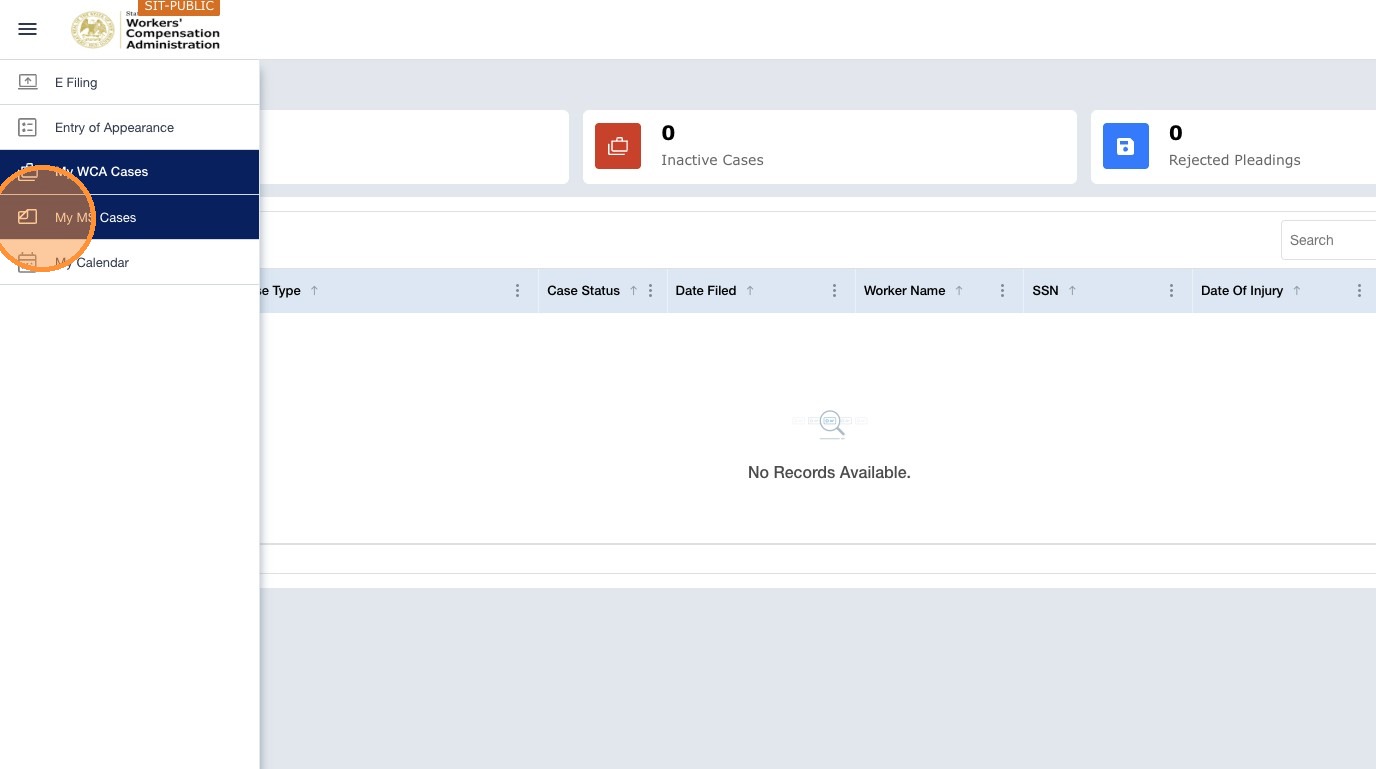
Navigation: My Cases → My MS Cases tab → open the case → Pleadings tab
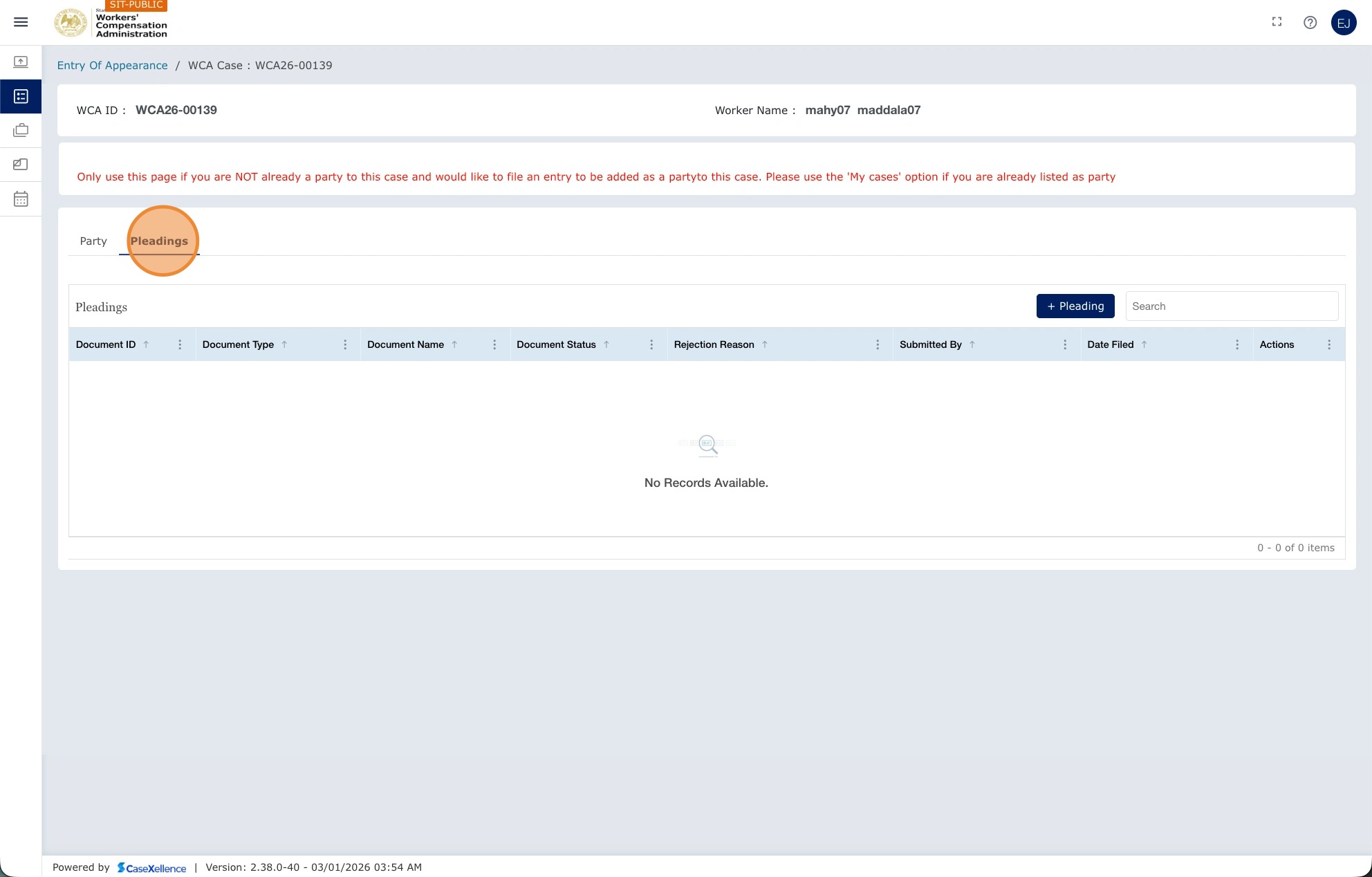
- Open My MS Cases, select your case, and click the Pleadings tab.
- Find the rejected pleading in the Pleadings section and review the rejection reason.
- Correct the issue, such as adding a signature, rescanning the document, or correcting the document type.
- Click Resubmit next to the rejected pleading.
- Upload the corrected document and click Submit.
Note: Rejected pleadings in MS cases are visible only to the party who submitted them. The opposing attorney cannot see that a pleading was submitted and rejected.
See also: MS Case — Add Pleadings to Existing Case · WCA Case — Resubmission of Rejected Pleadings · Contact Us
Portions of this user guide were produced with assistance from artificial intelligence tools; all content was reviewed for accuracy before publication.